


Tp-link tl-mr3020 Router Portable 3G Wireless N


£24,64
You will receive your order within 24 hours if you do it from Monday to Thursday before 18 pm or Friday before 13 hours(Peninsula and Balearic locations 50km from the headquarters of the delegation of the freight)View options
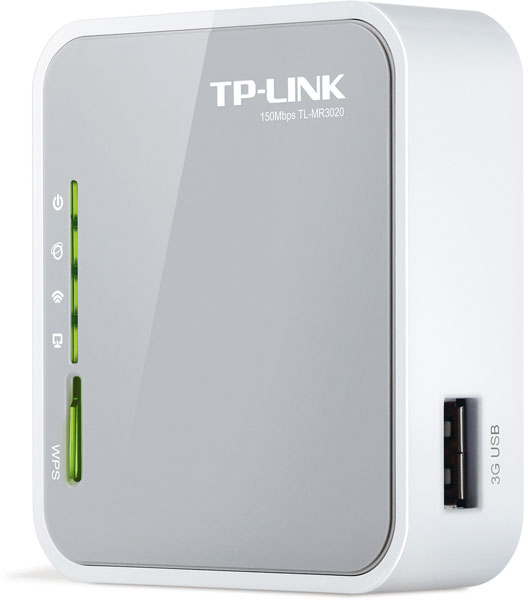
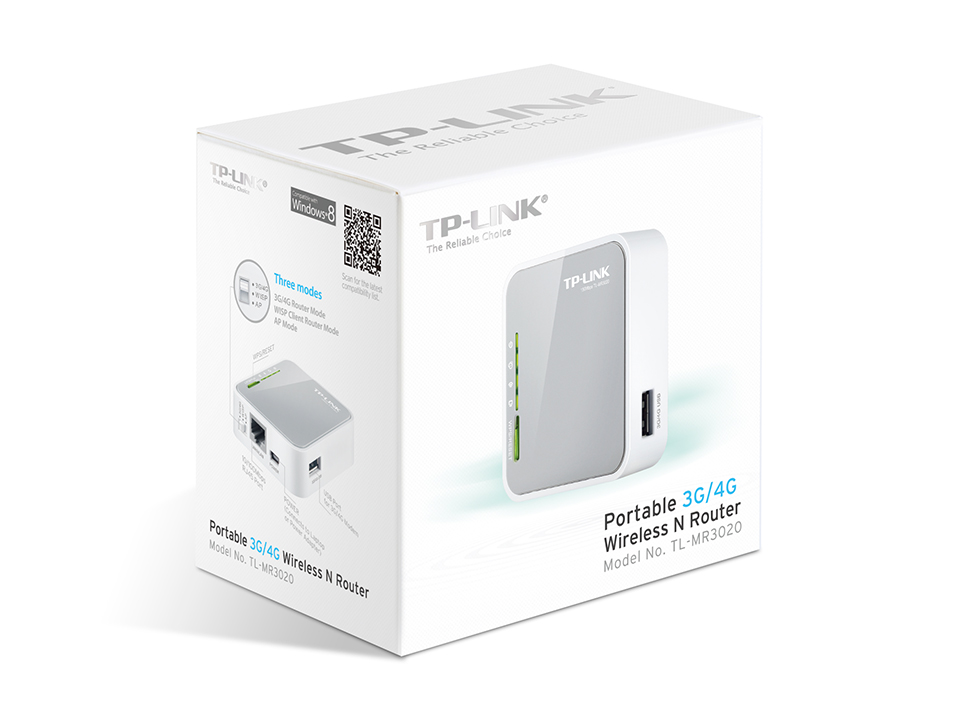
Tp-link tl-mr3020 Router Portable 3G Wireless N
Share the freedom of 3G! Connect the TL-MR3020 to a laptop or external current adapter and share your 3G / 3.75G mobile connection with your family and friends. The TL-MR3020 allows you to share your 3G access in, for example, a train, the campsite, the hotel and practically anywhere where there is 3G / 3.75G. coverage The TL-MR3020 3G Wi-Fi access point is instantly activated by connecting a 3G USB modeling to the router.
Design with mini USB port: designed to travel
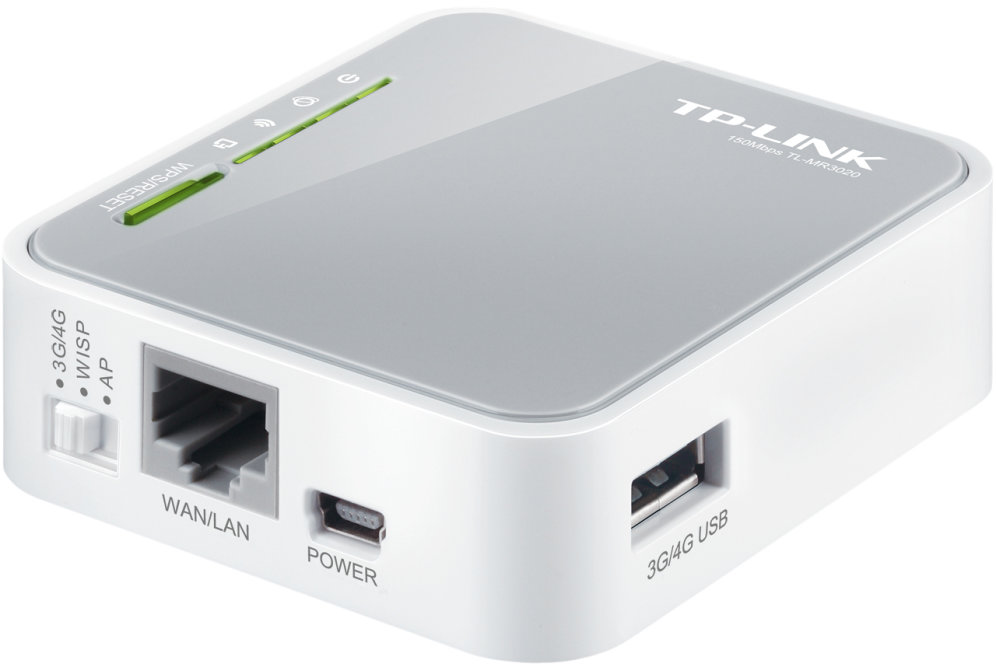
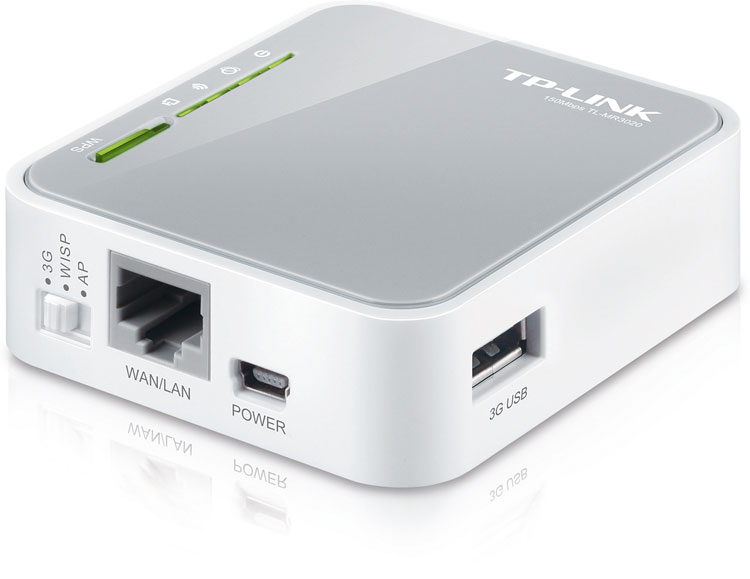
The TL-MR3020 stands out from the rest of the equipment thanks to its compact size and integrated mini USB port. This port can be connected to both an external current adapter and a laptop. In this way, it is enough to have a laptop to power the TL-MR3020 and you can create a wireless cloud that can be shared with devices such as an iPad ™, iPod Touch ™, Android ™ phones, Kindle ™ and the vast majority of portable Wi-Fi equipment.
High proven compatibility at field foot
Compatibility is the most important factor in choosing a 3G router. TP-LINK has ensured that its 3G routers are compatible with access providers in those countries where they are placed on the market to achieve the maximum level of compatibility between them and the modem models available to users. We have teams spread around the world that are constantly testing our routers with the new modems that appear on the market. Thus, users know they can use their router without any problems in the areas where they live and work.
Security settings using a simple button
The user can configure the security of the TL-MR3020 by simply pressing the WPS button included in it to automatically establish a secure WPA2 connection, a significantly safer mode than that offered by the WEP encryption. This method is not only faster and safer than the usual security settings, it is also more comfortable as users do not have to memorize any password.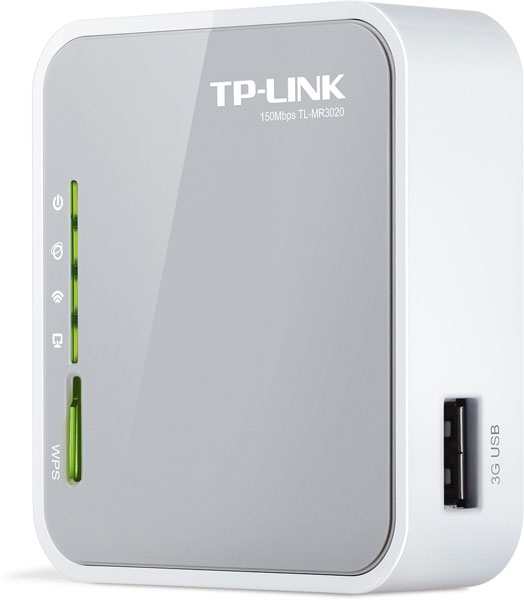
IP QoS: bandwidth management
The bandwidth of mobile connections is reduced. With the TL-MR3020 QoS IP function, it is possible to optimize bandwidth, controlling traffic congestion situations and preventing user abuse of connection. In this way, when sharing your mobile connection with other users, you can decide how to share the bandwidth depending on your needs.
Easy to use
The TL-MR3020 is quickly installed in a simple way anywhere. All you need to do is insert the USB modem into the router, search the SSID network identification on the computer and connect. Users can start browsing the Internet immediately; even less experienced users can easily configure their wireless connection by following the instructions guide included in the CD.
Wireless LAN features
- Wi-Fi are 802.11b, 802.11g, 802.11n
- WIFI standard 802.11n
- Wi-Fi standards supports 802.11b, 802.11g, 802.11n
- WLAN data transfer rate (max) 150 Mbit / s
- WLAN data transfer speed, supports 150 Mbit / s
Ports and Interfaces
- WANEthernet connection (RJ-45)
- Input Jack CDSi
- Ethernet LAN (RJ-45) quantity of ports1
DSL characteristics
- DSL connection No
- xDSL connection
Mobile networks
- 3GSi
- 4GSi
- Data network 3G, 4G
Mobile network connectionSi
- Protocols
- DMZSi Support
- DHCP, clienteSi
- DHCP, ServicorSi
Administration characteristics
- Restore Button Yes
- Web-based administation If
- Connect and use universal (UPnP, Universal Plug and Play) Yes
Security
- Firewall Yes
- Security with firewall SI
- MAC, address filter Yes
- Security algorithms supported 128-bit WEP, 64-bit WEP, WPA.-PSK, WPA2-PSK
Weight and dimensions
- Altura2,2 cm
- Ancho7,4 cm
- Depth 6,7 cm
