


D-Link DAP-1365 Wifi 300 amplifier


£28,89
You will receive your order within 5 - 6 days if you do it from Monday to Friday before 18 pmView options
D-Link DAP-1365 Wifi 300 amplifier
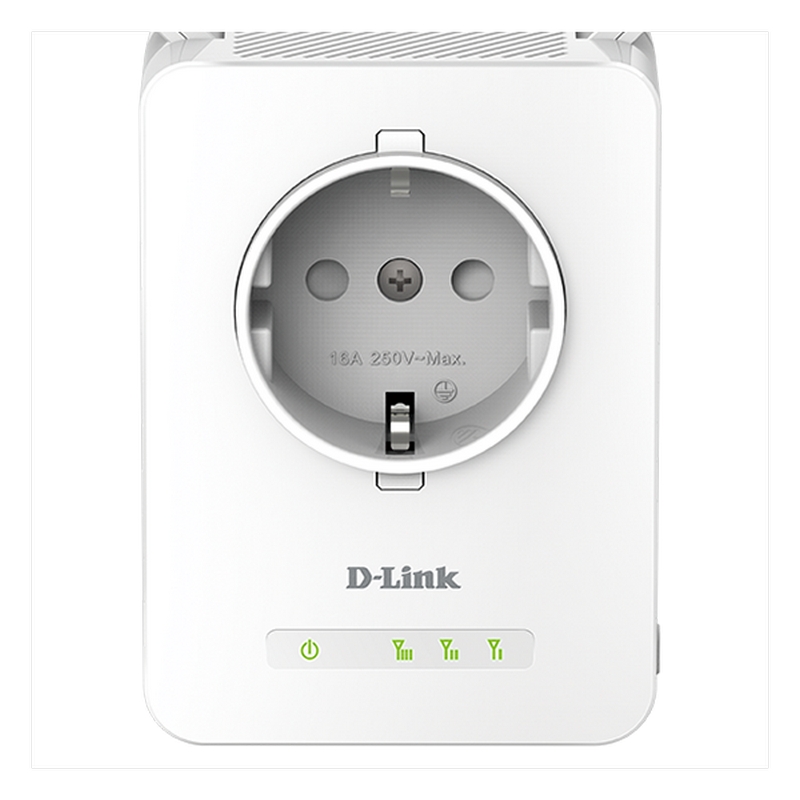
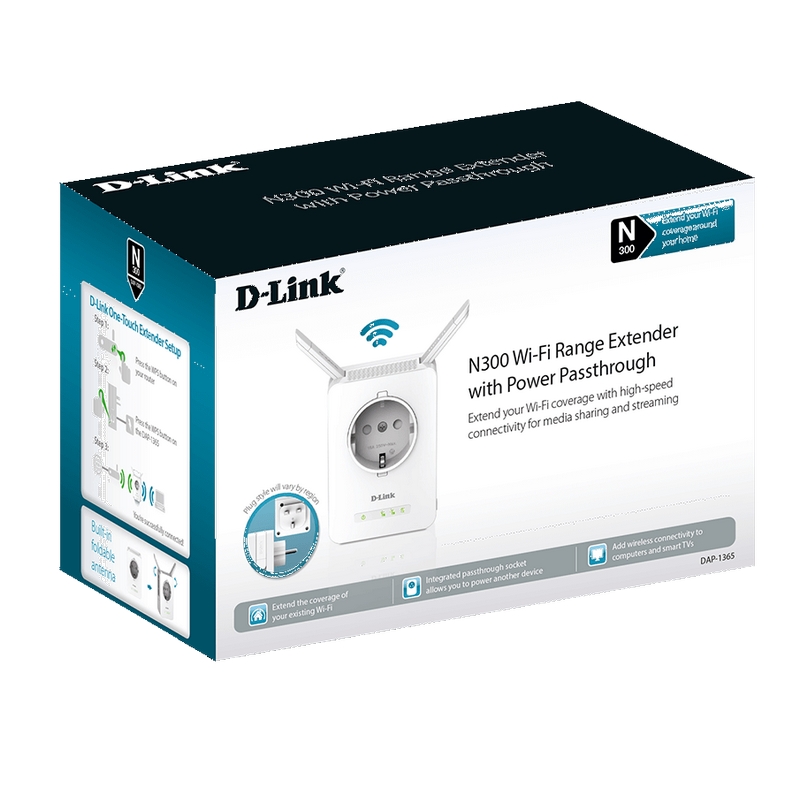
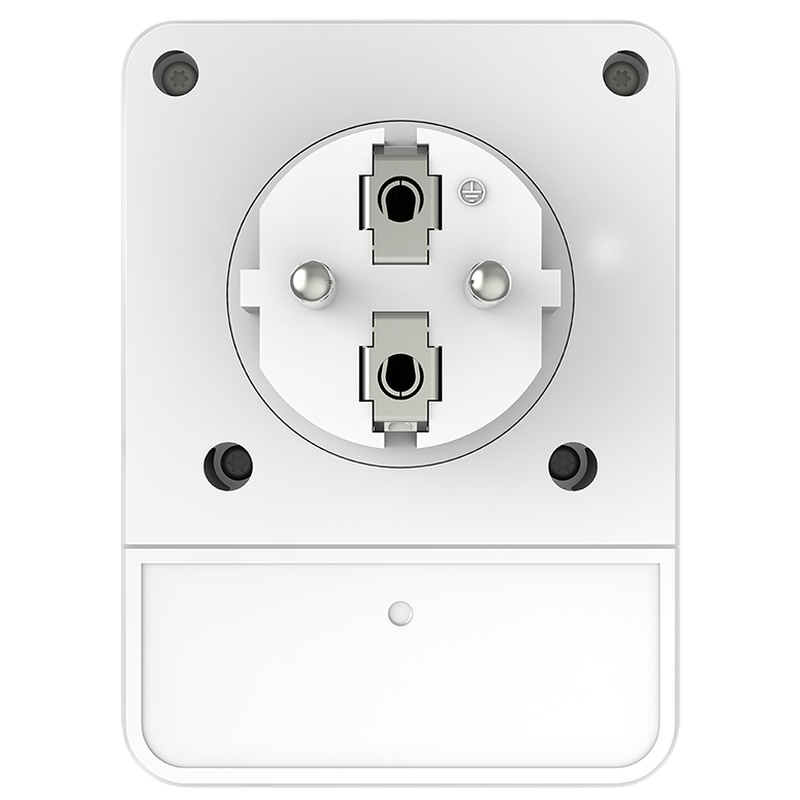
DAP-1365 is a Wi-Fi N 300 Mbps amplifier that allows you to extend the coverage of your Wi-Fi network by simply connecting it to an electric tap and pressing a button. Extending your wifi network had never been that simple. It includes an electric shot (Passthurgh) so as not to inuse the take where it is to be connected.
More than a Wi-Fi amplifier
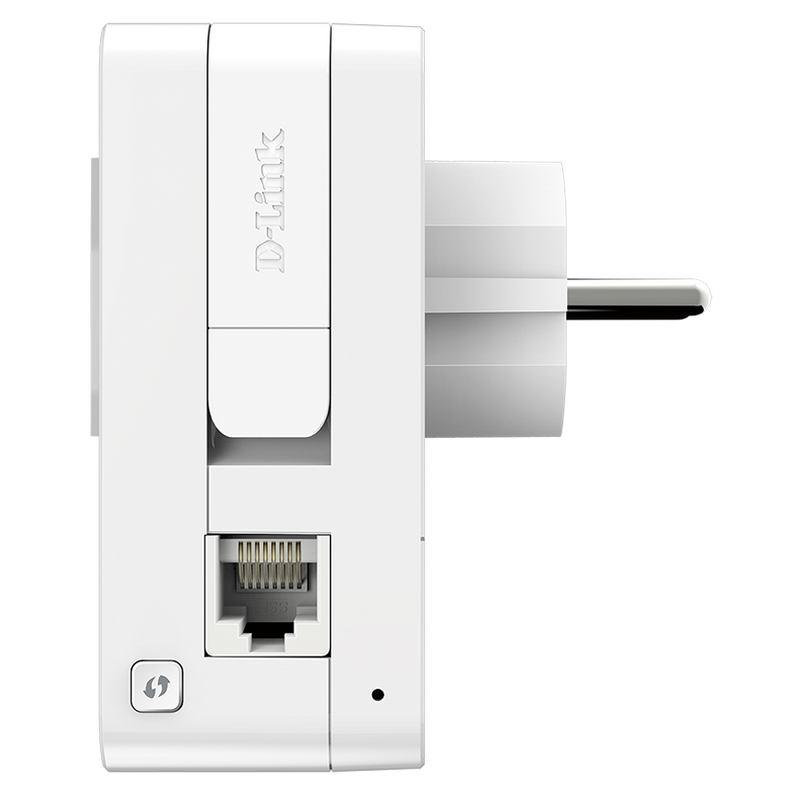
With its Fast Ethernet network port it has two additional modes of use to that of Repeater wifi:
Wi-Fi Access Point (receiving LAN network cable connectivity from the router) to generate a new WiFi area by repeating the network name (SSID) or creating an exclusive
Wi-Fi client (to connect network cable devices without wifi such as: desktop computers, D-Link Sharecenter NAS hard drives, SmartTVs or video game consoles)
Easy to configure and use
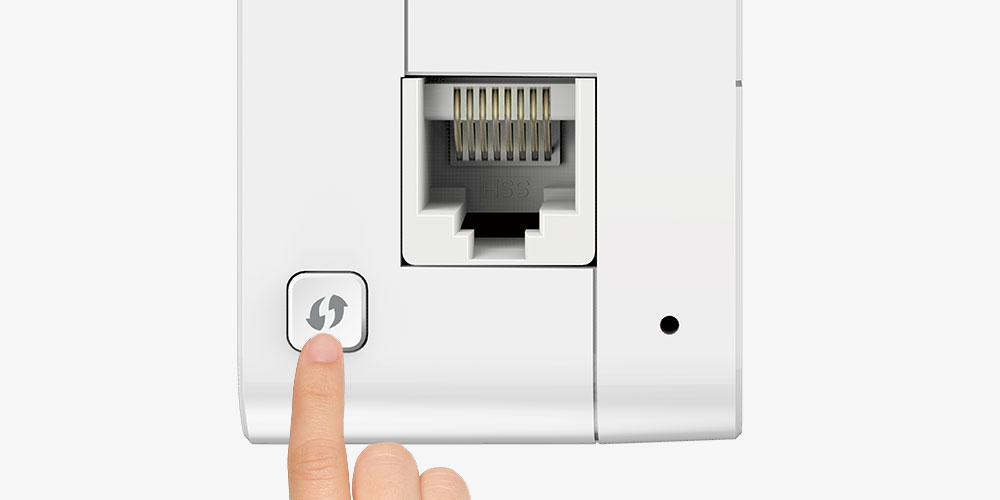
Configure DAP-1365 is very easy. Just use the Plug & Play configuration function by pressing the DAP-1365 and router WPS button to be automatically synchronized and the DAP-1365 starts repeating the signal. Alternatively, you can use the QRS Mobile mobile app on smartphones or iOS / Android tablets to configure DAP-1365 easily without a computer.
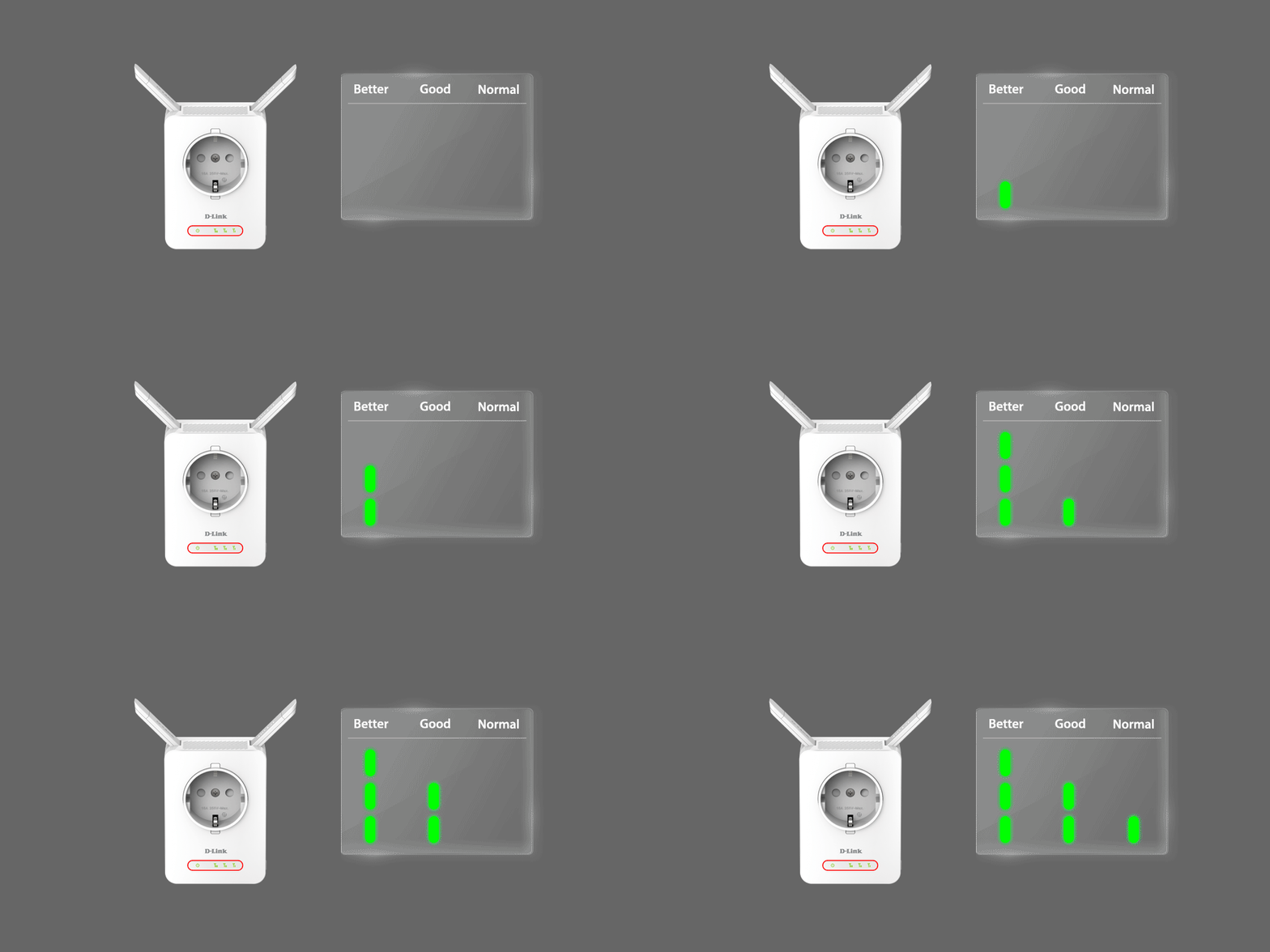
The WiFi coverage indicator from the router makes it easy to find the best location
DAP-1365 has a WIFI signal quality LED indicator that comes from the router to find the best location. It is advisable to place the DAP-1365 where there is still very good WiFi coverage for the signal extension to be optimal. Otherwise it will only amplify an already defective WiFi. Thanks to these LEDs it is now easy to correct with the location of the WiFi amplifier.
Specifications:
Device interfaces
- 802.11n / g / b Wireless LAN
- Port 10 / 100 Fast Ethernet
- Reboot button
- WPS button
LED
- Status / WPS
- 3-segment Wi-Fi signal intensity indicator
Standards
- IEEE 802.11n
- IEEE 802.11g
- IEEE 802.3u
- IEEE 802.11b
Antennas
- Two external antennas
Operation
- Wireless security
- Protected WiFi access (WPA / WPA2)
- WPS (PBC)
Advanced features
- D-Link One-Touch Extender
Device management
- It supports the QRS Mobile application for iPhone, iPad, iPod touch and Android mobile devices
- Web interface
Physical characteristics
- Dimensions 92 x 67 x 59.55 mm
- Weight 144.3 gr
Energy consumption
- Entry: 110 to 240 V CA, 50 / 60 Hz
- Maximum consumption 2.8 W
Temperature
Operation: 0 to 40 ° C
Storage: -20 to 65 ° C
Humidity
- Operation: 10% to 90% without condensation
- Storage: 5% to 95% without condensation
Certifications
- FCC
- EMI / EMC
- EC
- CB
- UL
- Wi-Fi Certified
