


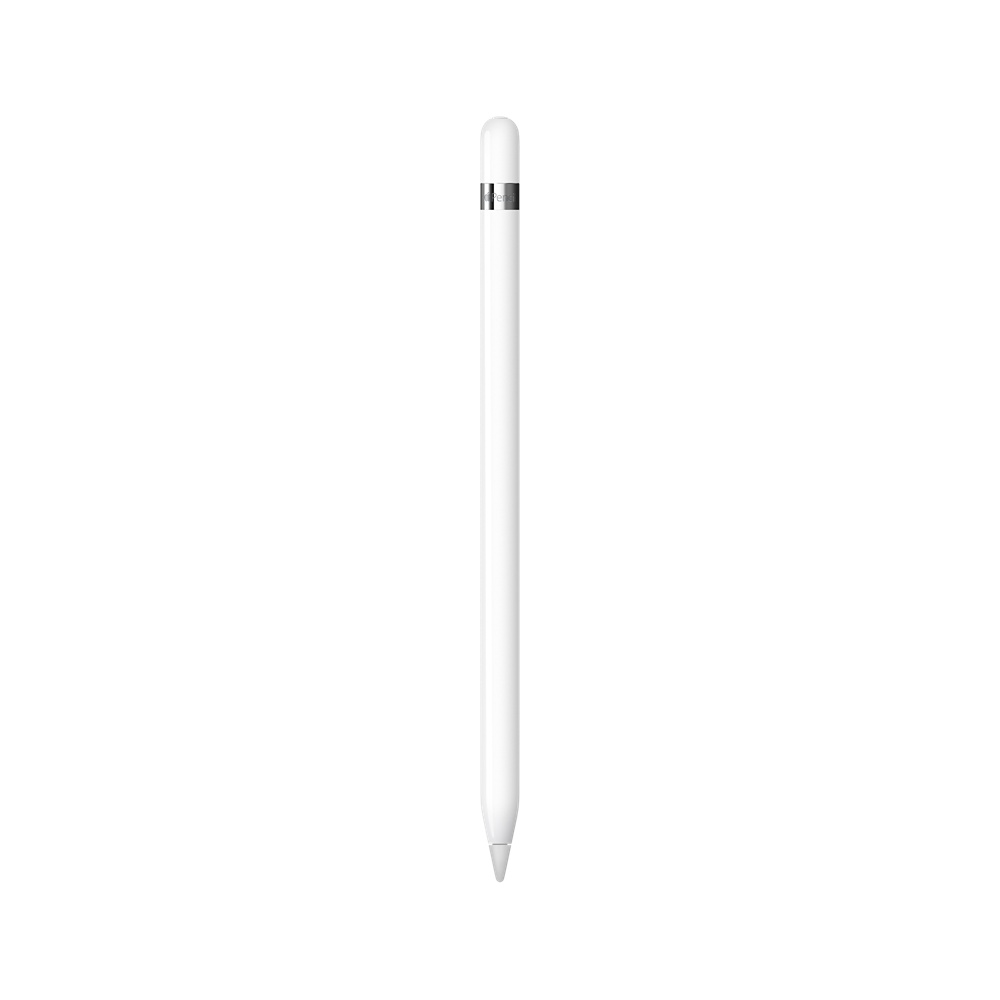
Apple iPad Pencil Pro Blanco


£93,49
You will receive your order within 5 - 6 days if you do it from Monday to Friday before 18 pmView options
TheApple PencilIt\'s the best instrument you\'ll find if you\'re looking for absolute precision. Point ideas, paint watercolors, draw schemas, sign contracts, make notes in your emails or whatever you need. You\'ll find it\'s very easy to handle but impossible to let go.
Apple Pencil takes beyond the technology of iPad Pro and iPad (6th generation) opening up new creative possibilities. Its incredible sensitivity to pressure and inclination allows you to achieve a huge variety of strokes and effects, from ultrathin lines to subtle shadows. It\'s like a traditional pencil, but with an amazing level of precision.
Top technology in everything you do
Even if it looks like a normal, current pencil, theApple PencilIt\'s an SUV. Put notes in a document full of contents, replay the layers of a photo, draw the plans of a building and much more. Add some apps that make the most of your unique benefits and theApple Pencildoes what is not written.
When you take notes, you\'ll notice the difference.
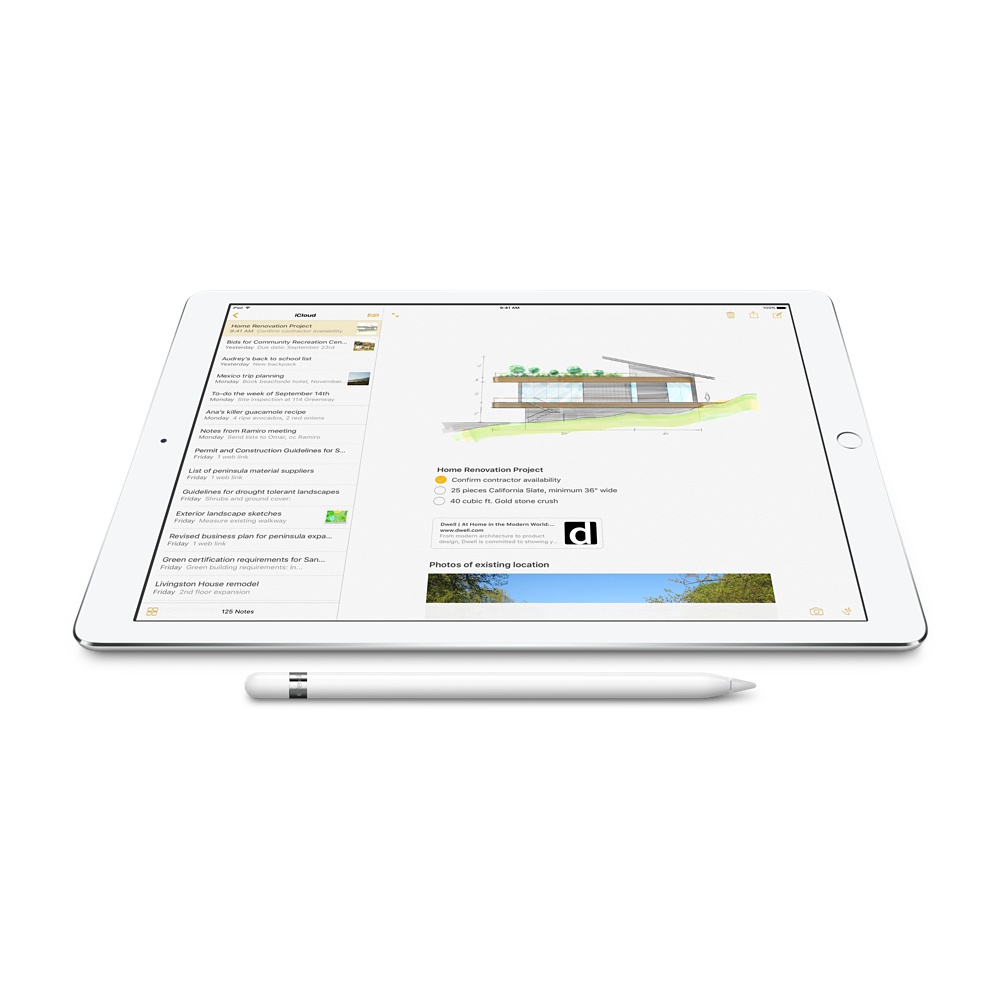
TheApple PencilIt\'s perfect to point out ideas like you would on paper. And now, with iOS 11, you can write and draw next to the text or look for the notes you\'ve made by hand usingSpotlight. In addition, in the App Store you have a lot of apps to take notes that allow you to do a thousand more things.
Notes in emails, documents and much more
Write directly on PDF files, photos and web pages with theApple Pencil. Or make a screenshot and highlight whatever you want on the iPad.
To be precise, it is very precise.
With theApple Pencilyou can apply infinity of effects, strokes and pixel to pixel. It is ideal for making technical illustrations or polishing the details of a portrait. And for the lines to come straight out, hold on to two fingers in some apps and you\'ll see a virtual rule.
Even more instant response
The latency is the time that goes on from you start drawing until the shot appears on screen. The new oneiPad Pro includes ProMotion technologywhich reduces latency to an almost imperceptible level. That\'s how theApple Pencilbecomes a creative tool to light years from any other.
At greater pressure, greater thickness
The sensors determine the force you are applying with the tip of theApple Pencil. Tighten more to draw a thick piece or less if you want more thin lines. And he plays with the pressure to get different effects.
Add shadow by tilting your hand
Two sensors at the tip of the Apple Pencilcalculate the exact angle of your hand. This way, when you paint or draw, theMultiTouch screenIt detects the relative position of these sensors and allows you to create shadows by just tilting the Apple Pencil. Just like you would with a pencil or a charcoal.
Try it: support your hand on the screen
The iPad Pro integrates a technology that allows you to draw by supporting your hand on the screen without anything happening. So you can use theApple Pencilas you find it more comfortable and focus on drawing with complete precision. What does it look good to?
Up to 12 hours of battery. And creativity
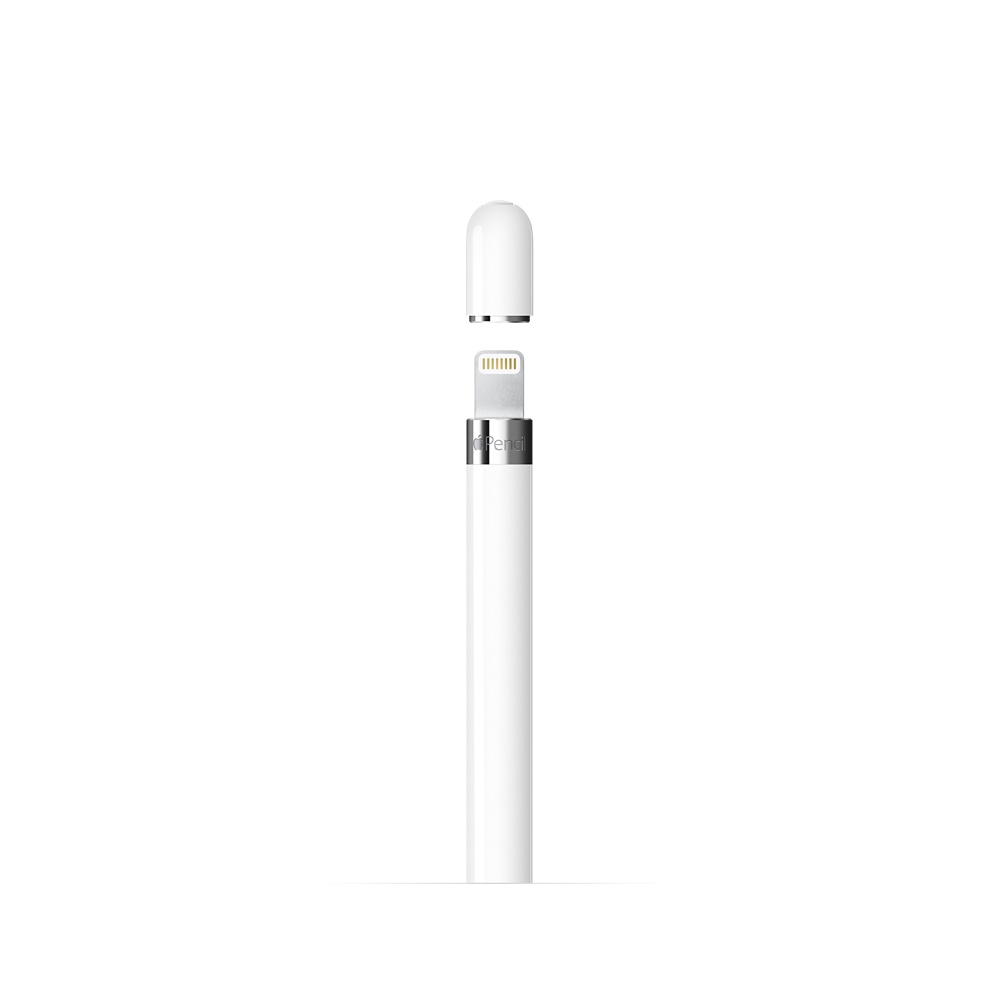
Under theApple Pencil magnetic stopperThere is aLightning connectorto load it directly from the iPad Pro. A 15-second load gives you for 30 minutes of use, and with a complete load you have up to 12 hours to put the points on the is.
Dimensions
- Long: 17,57 cm (from the tip to the stopper)
- Diameter: 0.89 cm
- Weight: 20.7 g
Connections
- Bluetooth
- Lightning connector
Other benefits
- Magnetic stopper
Box content
- Apple Pencil
- Lightning adapter
- Additional point
